Creating professional-looking images used to require expensive software, design skills, and hours of editing. In 2026, AI image generators have changed that completely.
Today, you can describe an idea in a simple text prompt and generate everything from realistic photographs and product images to social media graphics, illustrations, logos, concept art, and marketing visuals.
But with so many AI image tools available, one important question remains:
Which is the best AI image generator in 2026?
The answer depends on what you want to create.
Some tools are better for artistic images, while others are stronger at realistic photography, text inside images, product designs, editing, or professional marketing workflows.
In this guide, we’ll explore the best AI image generators in 2026, what each tool is best for, and how you can choose the right one.
Quick Comparison: Best AI Image Generators in 2026
| AI Image Generator | Best For | Main Strength |
|---|---|---|
| Mid journey | Creative images | High-quality artistic visuals |
| Chat GPT Images | Beginners & editing | Conversational image creation |
| Adobe Firefly | Professional design | Adobe workflow integration |
| Ideogram | Text & posters | Strong typography generation |
| Leonardo AI | Creators & game assets | Creative control |
| Google Image Generation | Realistic images & editing | AI-powered image creation |
| Stable Diffusion | Advanced users | Customization and control |
| Recraft | Branding & vectors | Design and brand assets |
Current 2026 comparisons consistently show that there is no single tool that wins every category. Mid journey is frequently highlighted for visual quality, Ideogram for text-heavy designs, Chat GPT Images for conversational creation and editing, and Adobe Firefly for Adobe-centered professional workflows.
1. Mid journey – Best for Stunning AI Art
If your priority is beautiful and creative AI artwork, Midjourney remains one of the strongest choices in 2026.
It is especially popular among designers, digital artists, content creators, marketers, and people creating cinematic visuals.
You can use it to create:
- Realistic portraits
- Fantasy artwork
- Product concepts
- Fashion photography
- Cinematic scenes
- Architecture
- Digital artwork
- Social media visuals
Why choose Mid journey?
Its biggest advantage is visual quality and artistic style. Current 2026 comparisons continue to rank Mid journey among the strongest options for pure image aesthetics.
Best for: Designers, artists, bloggers and creators who want impressive visuals.
2. Chat GPT Images – Best for Beginners
If you don’t know complicated prompting techniques, conversational image generation can be extremely useful.
You can explain what you want in normal language and refine the result by asking for changes.
For example, you could say:
Create a professional technology blog image showing a futuristic AI computer laboratory.
Then you can ask for changes such as:
- Make it more realistic.
- Change the background.
- Add a person.
- Make it suitable for a website banner.
- Create a square version for Instagram.
This conversational workflow makes AI image creation easier for beginners.
Current 2026 comparisons identify Chat GPT Images as a strong option for conversational creation and editing.
Best for: Beginners, bloggers, students and social media creators.
3. Adobe Firefly – Best for Professional Designers
Adobe Firefly is designed for people who already work with Adobe’s creative ecosystem.
It can be useful for generating and modifying creative assets while working within professional design workflows.
Firefly is particularly attractive to:
- Graphic designers
- Marketing teams
- Content creators
- Agencies
- Businesses
- Professional creatives
Its major advantage is integration with Adobe’s broader creative tools. Current industry comparisons also emphasize Firefly’s position for professional and commercially oriented creative workflows.
Best for: Professional design and business content.
4. Ideogram – Best for Text in Images
One of the biggest challenges with AI image generators has traditionally been creating accurate text inside images.
This is where Ideogram stands out.
It can be particularly useful for:
- Posters
- Advertisements
- Social media graphics
- Typography
- Event banners
- Marketing designs
- Logo concepts
If your image needs a headline or readable words, Ideogram is worth considering.
Recent 2026 comparisons specifically identify Ideogram as a strong choice for text-heavy visual designs.
Best for: Posters, advertisements, typography and text-based designs.
5. Leonardo AI – Best for Creative Production
Leonardo AI is another popular option for creators who need more control over their visual output.
It can be useful for generating:
- Characters
- Game assets
- Concept art
- Product visuals
- Illustrations
- Marketing graphics
- Creative projects
Its creator-oriented workflow makes it attractive for people who want to experiment with different visual styles.
Best for: Game developers, artists and creative content creators.
6. Google AI Image Generation – Best for Realistic Images and Editing
Google’s AI ecosystem has also become an important part of the image-generation market.
Modern Google image-generation models can be used for creating and editing images, including tasks where you want to modify an existing visual rather than start completely from scratch.
This is especially useful when you want to experiment with:
- Realistic photography
- Product images
- Image editing
- Creative concepts
- Marketing visuals
Recent 2026 evaluations have included Google’s Gemini image-generation models among leading systems for demanding image-generation tasks.
Best for: Realistic image creation and AI-assisted editing.
7. Stable Diffusion – Best for Advanced Users
Stable Diffusion is different from many beginner-friendly AI image tools.
It gives advanced users more control over models, workflows and customization.
This makes it attractive to people who want to experiment with AI image generation at a deeper technical level.
However, beginners may find the setup and customization more complicated than simple web-based tools.
Best for: Developers, advanced AI users and creators who want greater control.
8. Recraft – Best for Branding and Design Assets
Recraft focuses strongly on design-oriented image generation.
It can be useful when creating:
- Brand graphics
- Illustrations
- Icons
- Marketing visuals
- Vector-style artwork
- Design concepts
For businesses and marketers, the ability to create visuals that fit a consistent brand style can be more valuable than simply generating a beautiful random image.
Best for: Branding, marketing and design assets.
Which AI Image Generator Should You Choose?
There is no universal winner.
Your best choice depends on your goal.
Choose Midjourney if:
You want highly creative and visually impressive artwork.
Choose ChatGPT Images if:
You want a simple conversational workflow and easy editing.
Choose Adobe Firefly if:
You work professionally with Adobe products.
Choose Ideogram if:
You need readable text inside your images.
Choose Leonardo AI if:
You want creative control and production-oriented visuals.
Choose Google AI image tools if:
You want realistic generation and editing capabilities.
Choose Stable Diffusion if:
You want advanced customization and technical control.
Choose Recraft if:
You are creating branding and design assets.
Are AI Image Generators Free?
Some AI image generators offer free access or limited free generations, while others primarily use paid subscriptions or credit-based systems.
Free access can be enough for:
- Testing an AI tool
- Creating occasional blog images
- Learning prompting
- Making social media graphics
However, professional users may eventually need a paid plan because of higher generation limits, advanced models, commercial workflows or additional editing features.
Always check the current pricing and usage terms before subscribing, because AI tool pricing and plans can change frequently.
How to Write Better AI Image Prompts
The quality of your AI-generated image depends heavily on how clearly you describe your idea.
Instead of writing:
“AI technology image”
try:
“A futuristic AI laboratory with a glowing holographic brain, advanced computers, blue ambient lighting, cinematic photography, ultra-detailed, realistic materials, wide composition.”
A strong prompt usually describes:
- Subject – What should appear?
- Environment – Where is it?
- Style – Realistic, cinematic, illustration, 3D, etc.
- Lighting – Studio, natural, neon, dramatic, soft.
- Composition – Close-up, wide shot, centered, overhead.
- Quality – Detailed, sharp, professional.
- Purpose – Blog hero image, advertisement, Instagram post, etc.
5 AI Image Prompts You Can Try in 2026
Prompt 1: AI Technology Blog Image
Prompt:
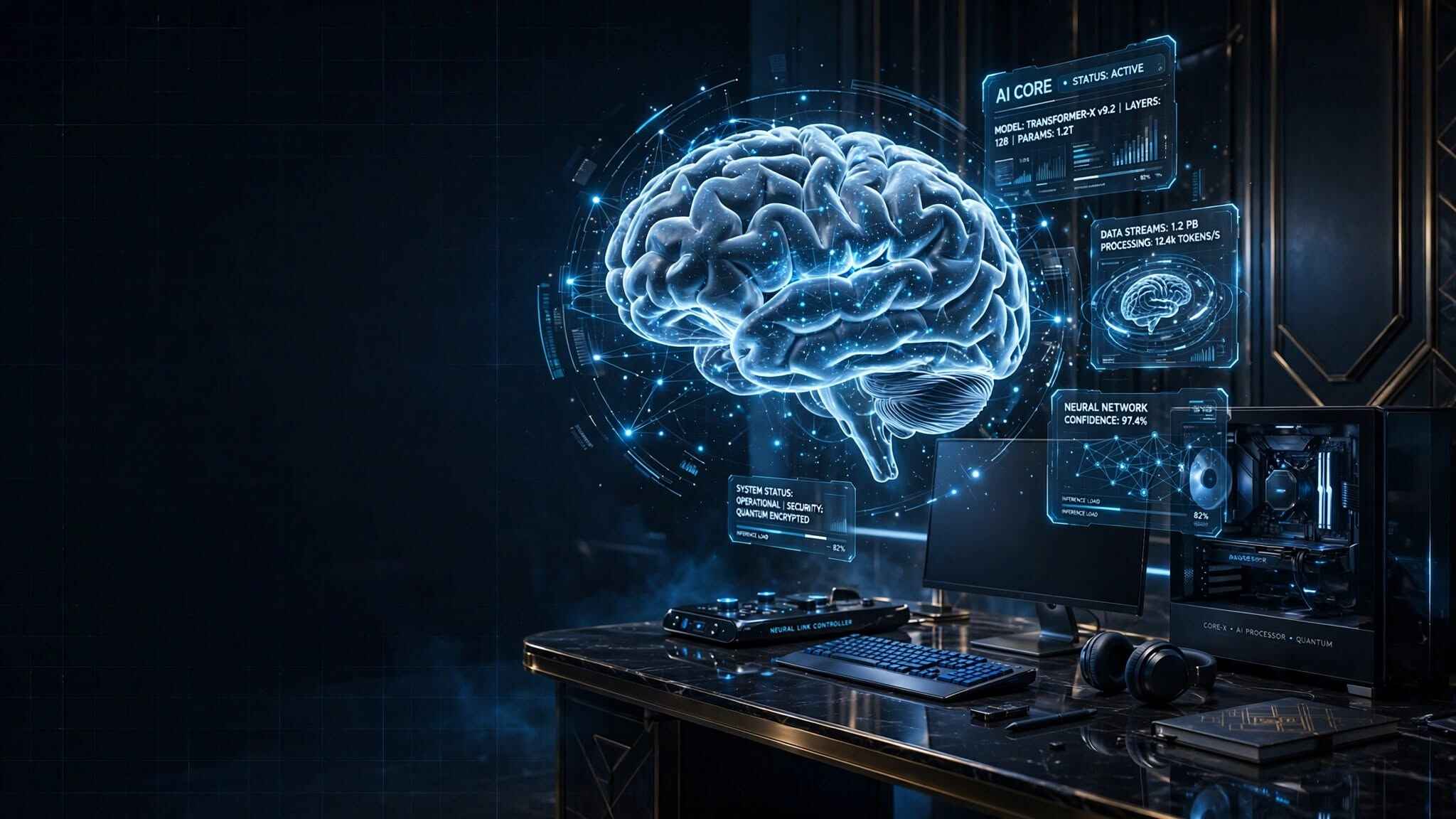
Create a premium futuristic AI technology scene featuring a glowing artificial intelligence brain floating above a modern computer workstation, holographic data interfaces surrounding it, dark luxury background, cinematic blue lighting, realistic reflections, ultra-detailed, photorealistic, professional technology magazine style, wide 16:9 composition, clean space on the left for a blog headline.
Prompt 2: AI Image Generator Concept
Prompt:
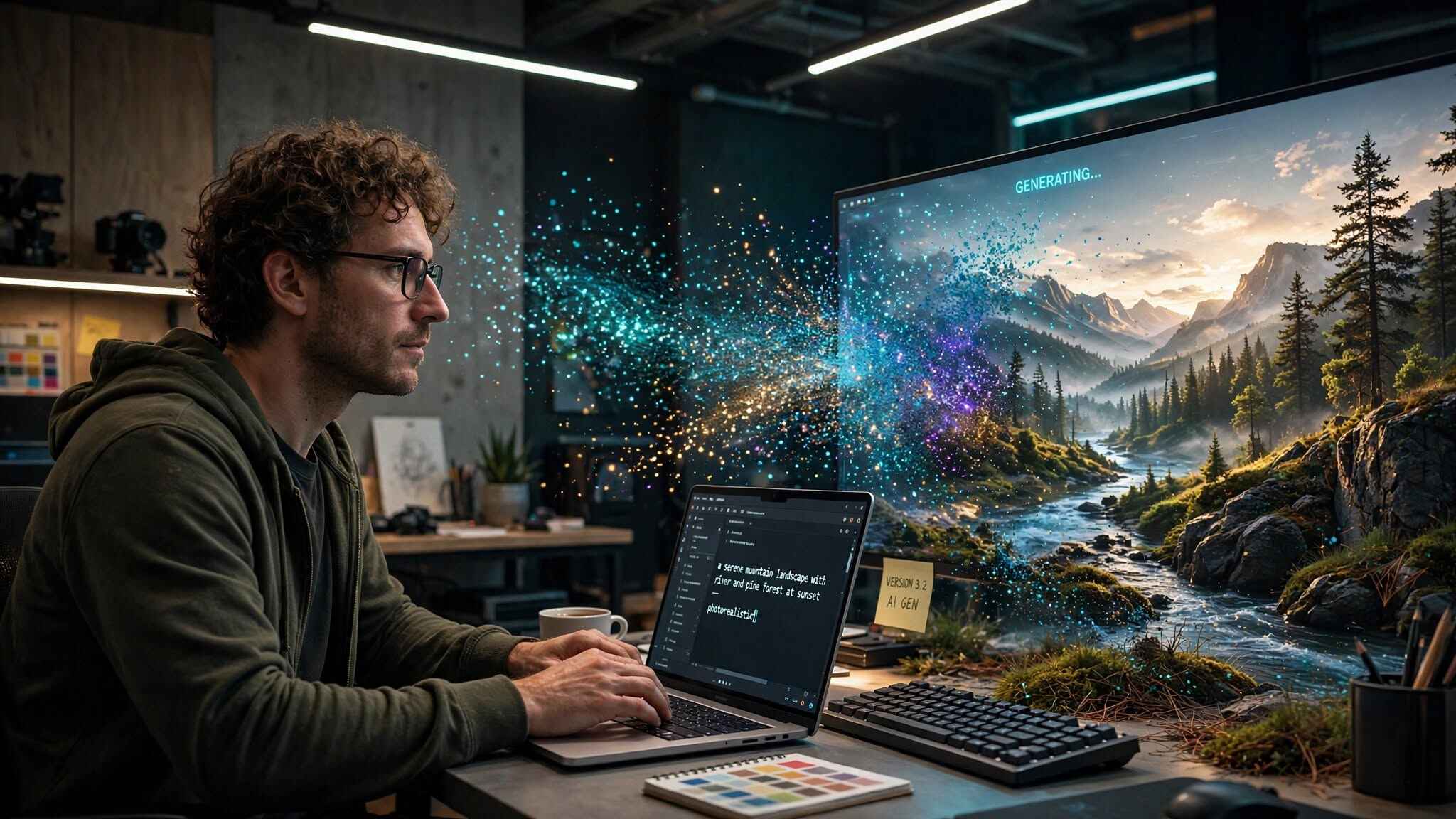
Create a visually stunning representation of AI image generation: a human creator typing a simple text prompt while colorful digital particles transform into a realistic landscape emerging from a computer screen, futuristic creative studio, cinematic lighting, photorealistic, highly detailed, premium technology editorial photography, wide 16:9 composition.
Prompt 3: AI Art Creator
Prompt:
A professional digital artist creating futuristic artwork using an advanced AI image generator, large ultrawide monitor displaying colorful fantasy artwork, modern creative studio, warm desk lighting combined with subtle neon illumination, realistic photography, cinematic atmosphere, highly detailed, premium editorial style, 16:9 website hero image.
Prompt 4: AI Marketing Image
Prompt:
Create a premium advertising scene showing an AI-generated product campaign, elegant smartphone displayed on a futuristic glass table, holographic marketing graphics floating around the product, sophisticated black and gold visual style, dramatic studio lighting, realistic product photography, ultra-detailed, luxury technology advertisement, clean background, 16:9 composition.
Prompt 5: Future of AI Images
Prompt:
Visualize the future of AI image generation in 2030: a futuristic creative workspace where a human designer interacts with a massive holographic canvas containing realistic photographs, digital art and 3D objects, advanced artificial intelligence interface, cinematic lighting, premium technology aesthetic, photorealistic, extremely detailed, wide 16:9 composition, suitable for a technology blog featured image.
Tips for Using AI Images on Your Website
If you are publishing AI-generated images on a website such as Minetrending , don’t upload huge files directly from an image generator.
Before uploading:
- Resize the image appropriately.
- Compress the file.
- Use WebP when possible.
- Give the image a descriptive filename.
- Add useful alt text.
- Avoid unnecessary images that slow the page.
- Use one strong featured image rather than many oversized images.
For example, instead of:
IMG_8392.png
use:
best-ai-image-generators-2026.webp
And instead of generic alt text such as:
AI image
use:
“Best AI image generators in 2026 comparison”
This makes the image more meaningful for accessibility and search engines.
Final Verdict: Which Is the Best AI Image Generator in 2026?
The best AI image generator depends on your specific needs.
Mid journey is an excellent choice when visual quality and artistic style are your top priorities.
Chat GPT Images is convenient when you want to create and edit images through conversation.
Adobe Firefly is a strong option for professional Adobe workflows.
Ideogram is especially useful when your design needs readable text.
Leonardo AI is worth considering for creative production and game-related assets.
Google’s AI image tools are useful for realistic image generation and editing, while Stable Diffusion remains attractive to advanced users who want customization.
The good news is that you don’t have to choose only one.
Try several tools with the same prompt, compare the results, and choose the generator that fits your workflow.
AI image generation is moving incredibly quickly in 2026. The tools are becoming easier to use, more realistic, and more useful for bloggers, businesses, designers and creators.
If you’re starting today, experiment with different generators, learn how to write better prompts, and build a workflow that turns your ideas into professional visual content.
Frequently Asked Questions
What is the best AI image generator in 2026?
There isn’t one tool that is best for every purpose. Mid journey is frequently recommended for creative visual quality, while Chat GPT Images, Adobe Firefly, Ideogram, Leonardo AI and Google image-generation tools each have different strengths.
What is the best free AI image generator?
Several AI image platforms offer free access or limited free generations. The available limits and features can change, so check the current plan before relying on a free tier.
Can AI generate realistic photos?
Yes. Modern AI image generators can create highly realistic people, products, environments and photography-style scenes. However, results can still contain errors, particularly with complex objects, exact quantities and fine details. Recent benchmark research continues to evaluate these limitations.
Can I use AI-generated images for my blog?
Generally, AI-generated images can be used for website content, but you should check the specific tool’s current terms, commercial-use rules and licensing conditions before using an image commercially.
How can I make better AI images?
Use detailed prompts that specify the subject, environment, visual style, lighting, composition and intended use. Testing several variations of the same idea usually produces better results than relying on a single prompt.